Export SMS PRO - Text Exporter1.4
Publisher Description
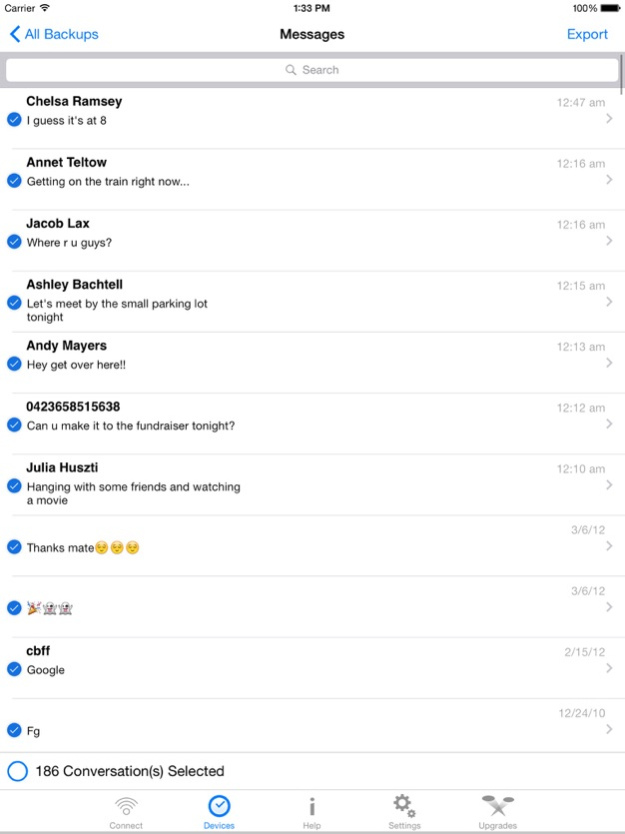

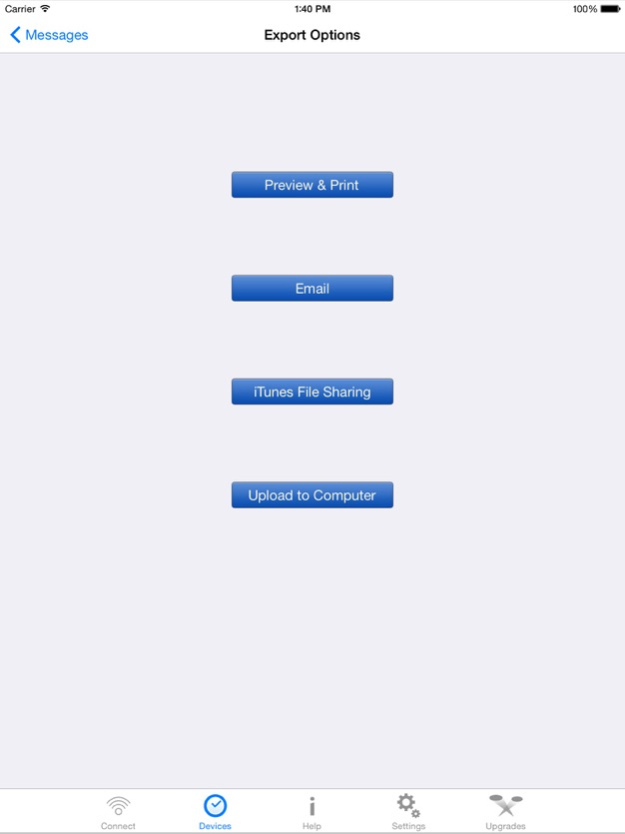
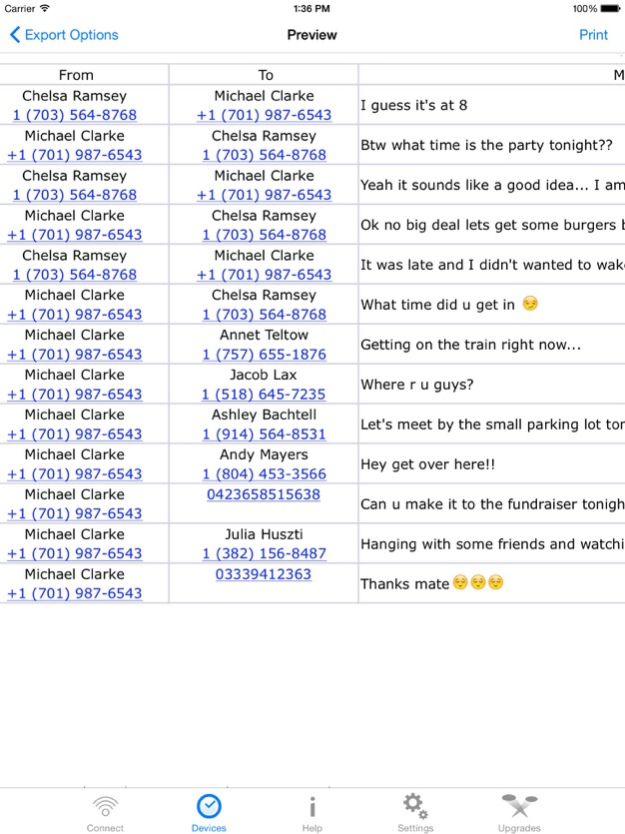
SMS Export PRO is the most extensive solution available on the AppStore to copy SMS & iMessages from your iPhone/iPod/iPad to your Computer. It also gives you the ability to preview and print your contacts on the device itself.
Features:
-> You can select messages on the basis of Conversations, messages, date and contacts.
-> You can export the messages in many formats.
-> You can also use email to export the messages.
-> You can also Air-Print your messages from within the app.
-> You can choose between using the device’s address book or the address in the backup itself.
-> Sort the messages by date or conversation.
-> Powerful search can be used to select messages from within the app.
Note: This application has been designed to work with our desktop application, which is available to download for Free from our website:
www.sms.appfactor.net
Jun 29, 2015
Version 1.4
This app has been updated by Apple to display the Apple Watch app icon.
Crashes + Bugfixes
About Export SMS PRO - Text Exporter
The company that develops Export SMS PRO - Text Exporter is Amad Marwat. The latest version released by its developer is 1.4.
To install Export SMS PRO - Text Exporter on your iOS device, just click the green Continue To App button above to start the installation process. The app is listed on our website since 2015-06-29 and was downloaded 22 times. We have already checked if the download link is safe, however for your own protection we recommend that you scan the downloaded app with your antivirus. Your antivirus may detect the Export SMS PRO - Text Exporter as malware if the download link is broken.
How to install Export SMS PRO - Text Exporter on your iOS device:
- Click on the Continue To App button on our website. This will redirect you to the App Store.
- Once the Export SMS PRO - Text Exporter is shown in the iTunes listing of your iOS device, you can start its download and installation. Tap on the GET button to the right of the app to start downloading it.
- If you are not logged-in the iOS appstore app, you'll be prompted for your your Apple ID and/or password.
- After Export SMS PRO - Text Exporter is downloaded, you'll see an INSTALL button to the right. Tap on it to start the actual installation of the iOS app.
- Once installation is finished you can tap on the OPEN button to start it. Its icon will also be added to your device home screen.
Program Details
System requirements
Download information
Pricing
Version History
version 1.4
posted on 2015-06-29
Jun 29, 2015 Version 1.4
Crashes + Bugfixes
version 1.4
posted on 2015-06-29
Jun 29, 2015 Version 1.4
This app has been updated by Apple to use the latest Apple signing certificate.
Crashes + Bugfixes
version 1.4
posted on 2015-06-29
Jun 29, 2015 Version 1.4
This app has been updated by Apple to display the Apple Watch app icon.
Crashes + Bugfixes
